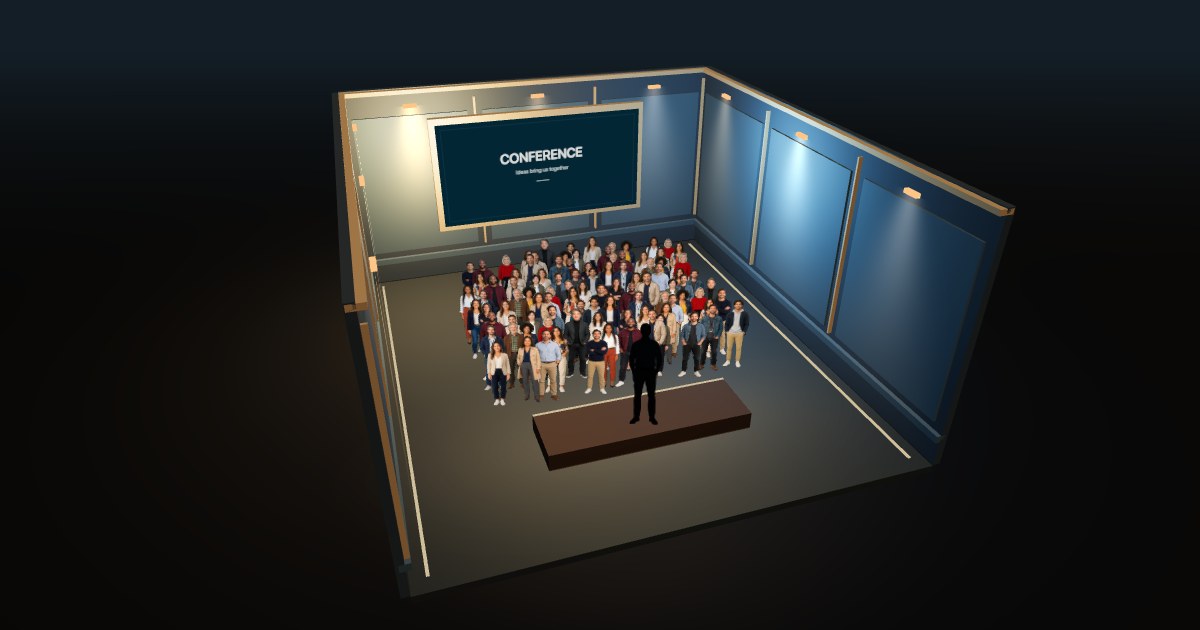
100 PEOPLE / STANDING
100 people standing
A small standing audience in the conference setting.
Explore this view ↗AUDIENCE LAYOUT / 03
Seated or standing? Compare 100 and 1,000 people in both arrangements before exploring the view that fits your event.
Free to explore · No signup · Save & share your view
AT A GLANCE
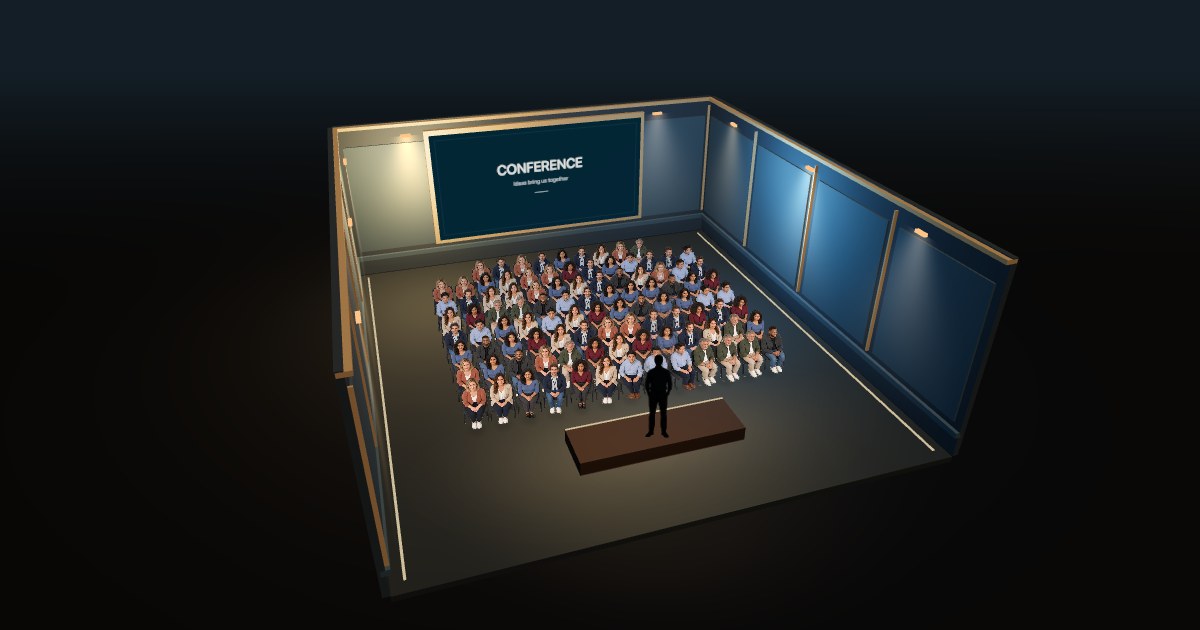
Seating adds chairs and a regular row structure. Standing lets the group appear as a continuous gathering. MyCrowd keeps the selected person count equal when you switch posture, while adapting the arrangement and the illustrative room.
SEE THE DIFFERENCE
Real simulator captures. Each view fits its own scene; camera distance is not fixed across these images.
100 PEOPLE / STANDING
A small standing audience in the conference setting.
Explore this view ↗100 PEOPLE / SEATED
The same count with chairs and rows in the conference setting.
Explore this view ↗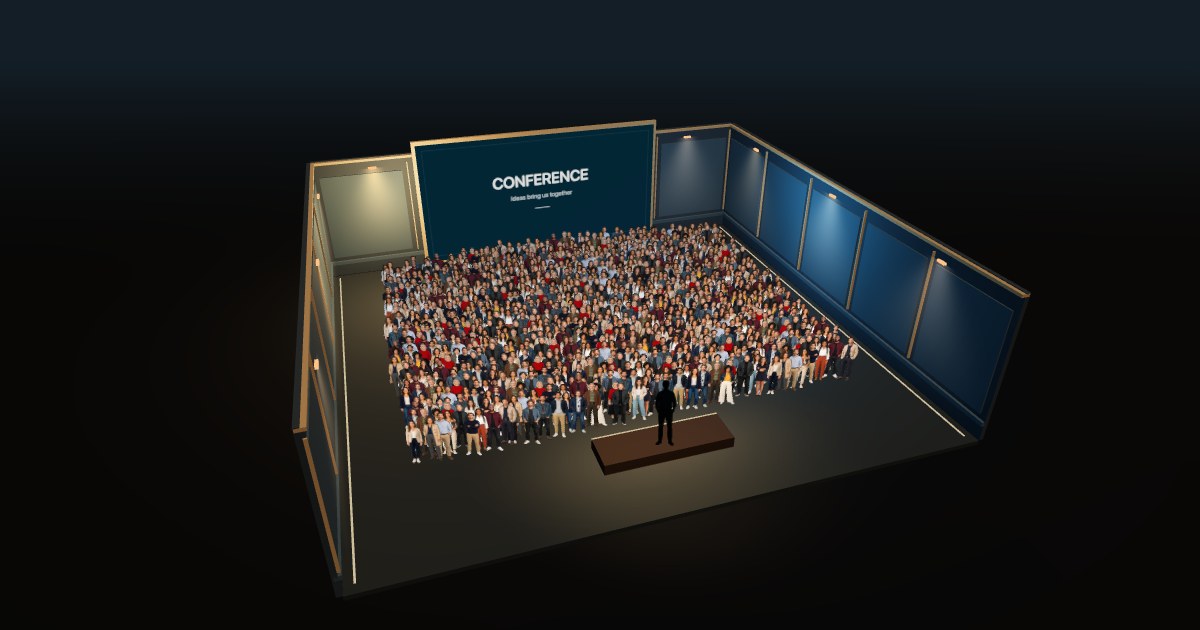
1,000 PEOPLE / STANDING
A larger continuous crowd, viewed from above.
Explore this view ↗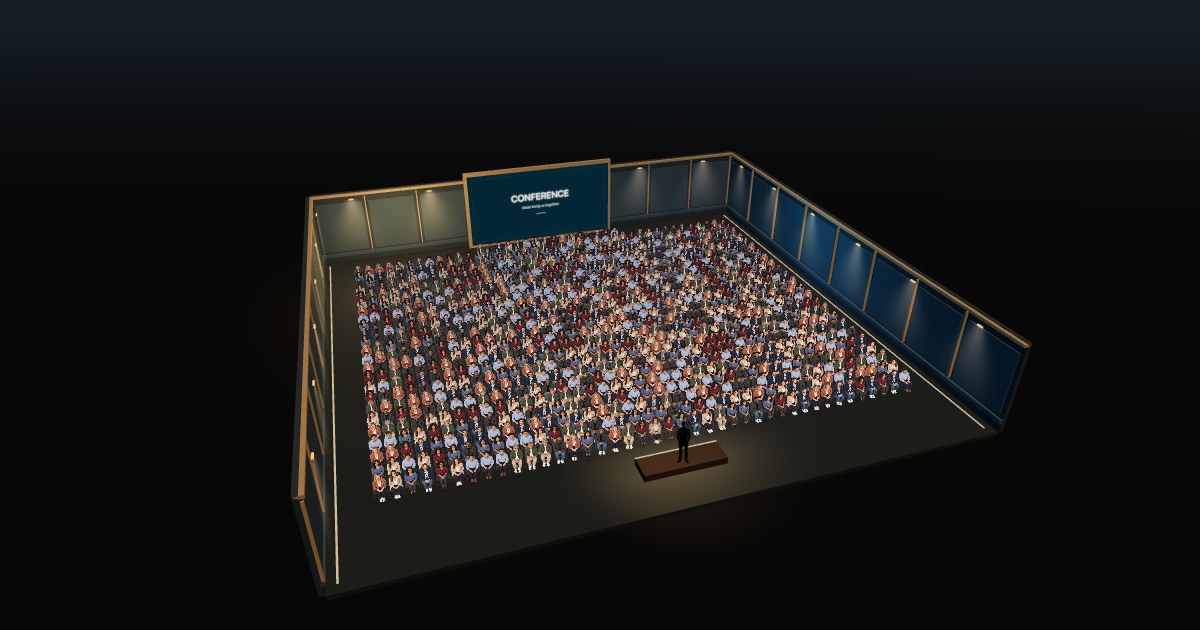
1,000 PEOPLE / SEATED
The same thousand people arranged in seated rows.
Explore this view ↗01
The number remains fixed. Chairs, row spacing and the crowd’s overall shape change. The camera then fits that arrangement into the frame, so image width is not a measurement of venue capacity.
The simulator uses a continuous audience block without aisles. Treat these views as a way to understand scale and perspective, not as a finished seating layout for a real event.
02
| What you want to picture | Start here | What to explore |
|---|---|---|
| A talk or seated presentation | Audience · seated | Rows, chairs and the stage viewpoint |
| A reception or meetup | Audience · standing | The group’s overall shape and depth |
| A party or nightclub | Nightclub · standing | The party hall, club or warehouse atmosphere |
| A street demonstration | Riot · standing | The continuous street crowd and street-level view |
For an actual venue, use the operator’s approved configuration and capacity. MyCrowd’s generic rooms do not establish how many seated or standing guests that venue can accommodate.
03
Nightclub and Riot remain standing-only. For your own named hall or event space, you can discuss a custom visualization with MyCrowd’s creator.
GOOD TO KNOW
No. Switching between seated and standing in a compatible indoor scene preserves the audience count.
These examples adapt the illustrative room to each layout. They do not keep a measured venue footprint fixed or calculate how many guests fit in that footprint.
No. Those modes show standing crowds. Choose an indoor Audience scene for seated people.
FOR VENUES & BRANDS
Run a hall, club or event venue? Discuss a custom visualization with Cyril Dieumegard, creator of MyCrowd.